Exclusive Corporate Gift Wholesale / Premium Gift Supplier


Vector File Conversion
Turn blurry logos into clean, scalable artwork for printing
Many clients send us photos or JPEG logos, but these are made of pixels. When scaled up for printing (especially silkscreen, pad printing, or laser), they become blurry.
💡 Note:
Low-resolution image files (such as JPG, PNG, or PDF) are acceptable for paper printing but not suitable for most industrial gift printing machines.
These files cannot be color-separated or traced accurately by the machine, especially for silkscreen, UV, or engraving.
Now with AI vector conversion, it’s easier than ever.
Just upload your JPEG or PNG logo — our system will automatically trace and convert it into a clean, scalable vector file, ready for printing.
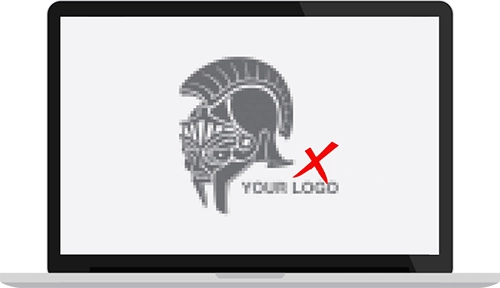
Image file (JPEG, PNG): Not suitable for high-quality printing
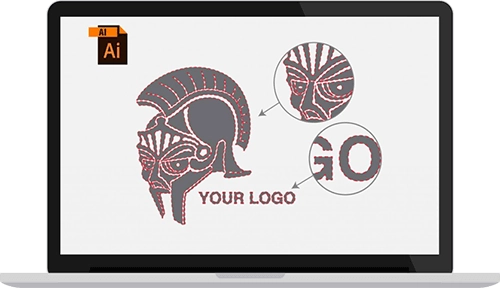
recreate your logo using Illustrator to produce clean outlines
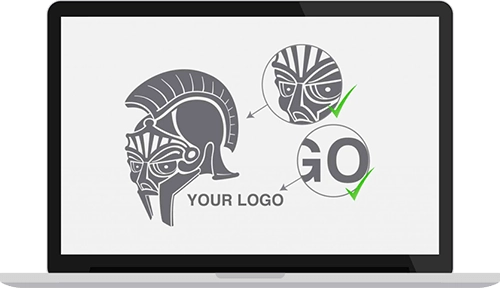
Vector file (AI, EPS, PDF): Clean, scalable, editable
What is a vector file, and why is it important for printing?
Can I use my JPG or PNG logo for printing?
What happens if I send a pixelated logo?
Do I still need a designer to trace my logo?
How does AI vector conversion work?
Is AI vectorization 100% accurate?
What file formats are accepted for AI vectorization?
Can I edit the AI-converted logo later?
What if my logo has shadows, gradients, or 3D effects?